Read faster. Stay focused.
Keep your place effortlessly, reduce backtracking, and move through long web content with better concentration and flow.
Pacer Pro helps you stay on the current line or text block, reduce backtracking, and read long web content with a calmer, more comfortable visual rhythm. Whether you are studying, working, or reading the news, Pacer helps the web feel easier to follow and less tiring.
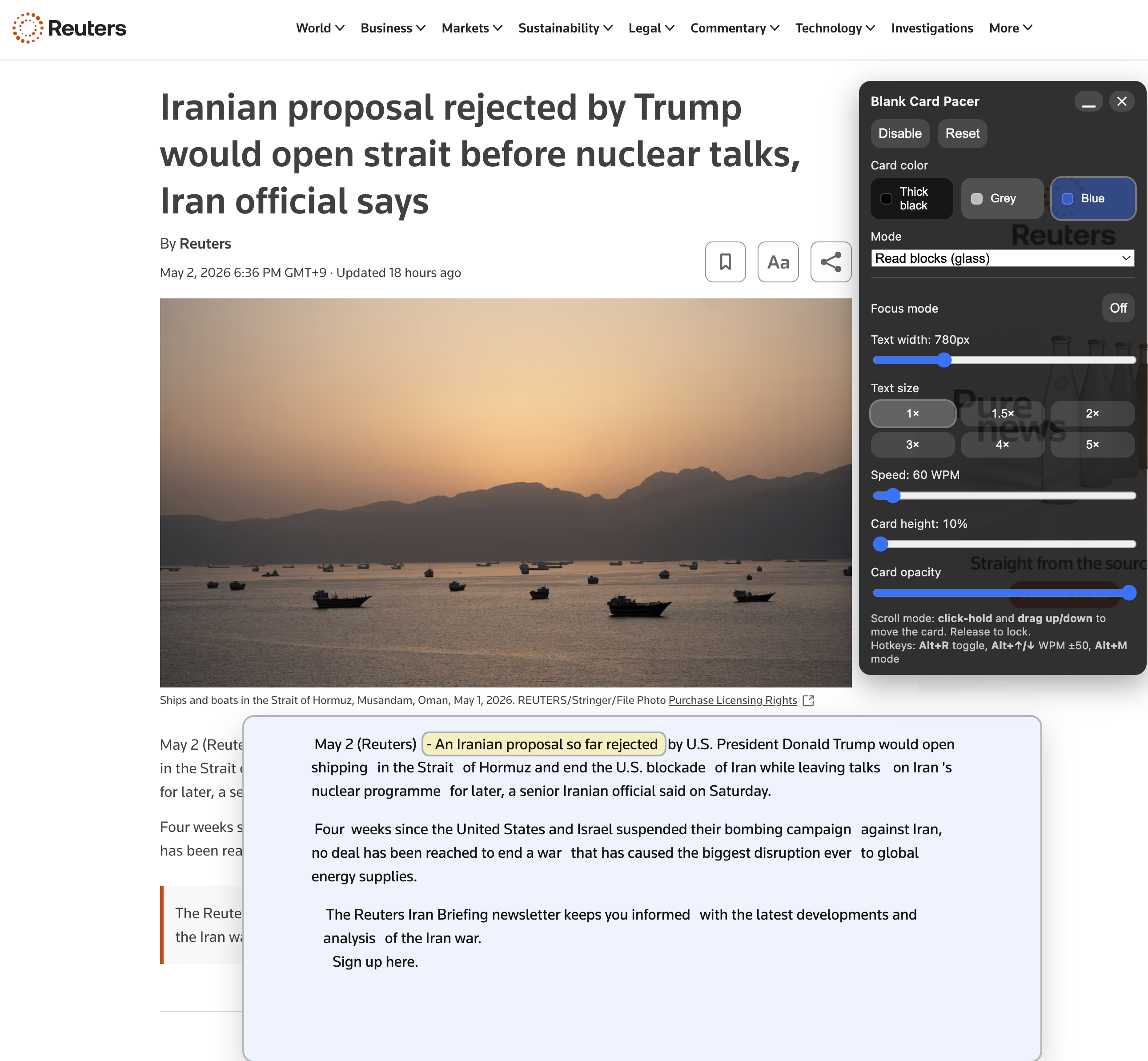
Read Blocks on a real article page, showing the focused reading area and live product interface.
Pacer Pro is designed for people who want long web pages to feel easier, calmer, and more comfortable to read — from students and professionals to older adults and language learners.
Keep your place effortlessly, reduce backtracking, and move through long web content with better concentration and flow.
Magnify letters and make dense or small text feel clearer and easier to follow, so reading becomes less tiring and more natural.
Future enhancement: hear web content in a natural, calming voice — making it easier to follow, review, or simply enjoy reading in a more relaxed way.
Show both the visual impact and the practical behavior of Pacer Pro. The main demo presents Read Blocks on a real news page, while the secondary demo shows how Follow Scroll behaves during normal reading.
Source: Washington Post, Read Blocks demo used as the main product proof.
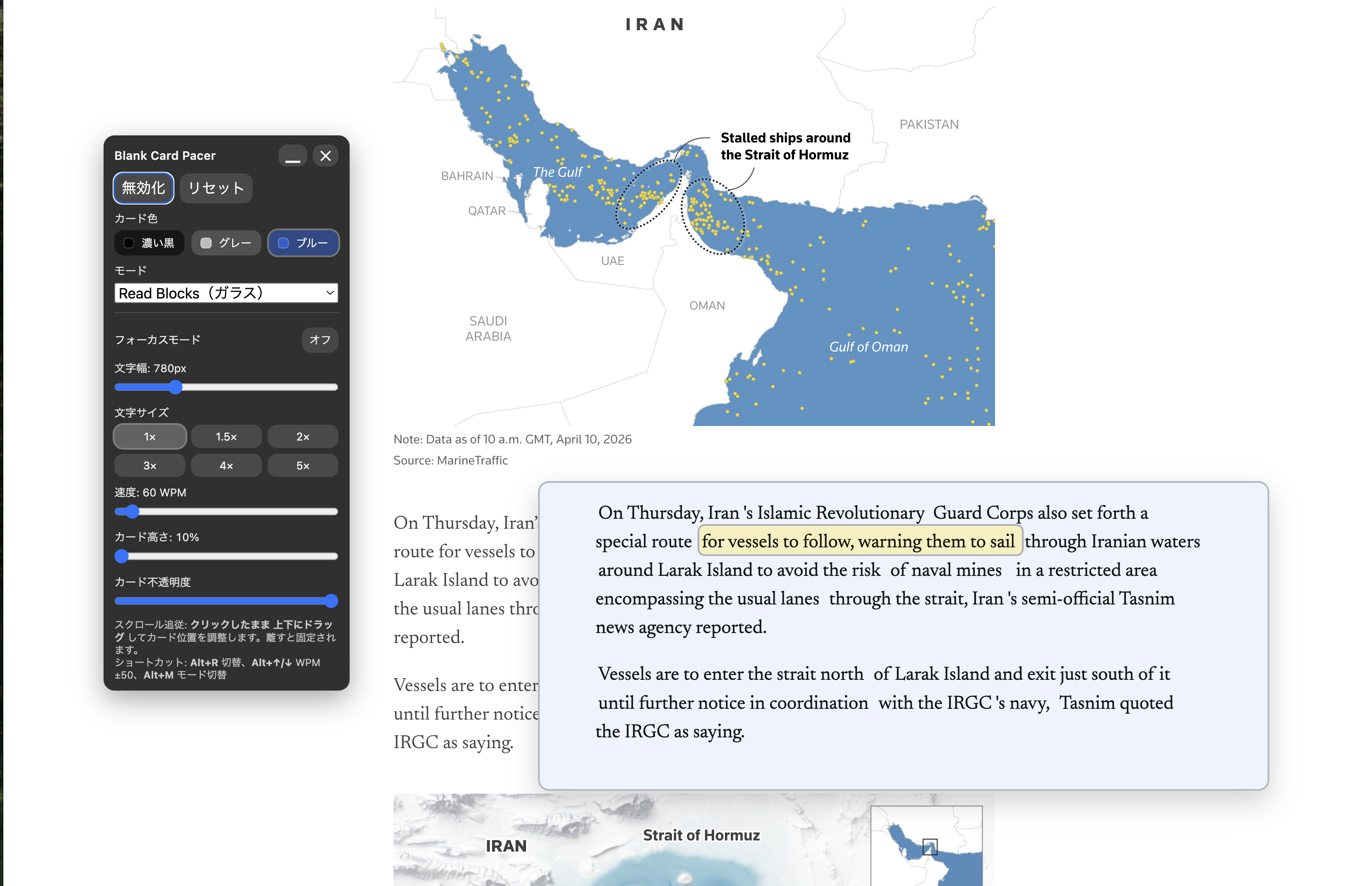
Source: Reuters, screenshot showing the control panel, overlay region, and real article context.
Read Blocks helps isolate the current sentence or paragraph inside a movable glass area, reducing visual overload and keeping your attention on the active reading region.
Follow Scroll keeps a guided reading band aligned with page movement, helping you stay on the current line as you continue down long-form content.
Source: Washington Post, Follow Scroll demo showing the guided reading band during normal scrolling.
Start with the free version if you want to experience the core reading guide before deciding whether you need Pacer Pro.
Use the current desktop package only within the supported environment below.
One-time purchase. Full access to Pacer Pro features is granted after payment and license activation. Prices are determined at checkout based on your billing country.